How to Pay in Singapore: Cash, Cards, QR Codes and E-Wallets

Paying in Singapore is straightforward for most visitors. International Visa and Mastercard cards are widely useful at hotels, shopping centres and larger restaurants, while contactless cards and mobile wallets can also be used on public transport. However, cash is still worth carrying for smaller purchases, and QR payments depend on which apps and payment schemes a merchant accepts.
The easiest approach is to bring a primary international card, a backup payment method and some Singapore dollars (SGD). If you use a foreign card on public transport, remember that additional administrative fees may apply.
Want to know more how to pay in Singapore? Follow this guide below.
What payment methods are accepted in Singapore?
| Payment method | Where it's useful | What tourists need | Main limitations |
|---|---|---|---|
| Cash (SGD) | Hawker centres, markets, small shops and cash-only businesses | Singapore dollars in notes and coins | You need to exchange money or withdraw it from an ATM |
| International cards (Visa and Mastercard) | Hotels, shopping centres, restaurants, attractions and larger retailers | A card enabled for overseas transactions | Foreign transaction fees and exchange rates depend on your card issuer |
| Contactless cards | Shops, restaurants and public transport | A compatible contactless card | Foreign Visa and Mastercard users pay a S$0.60 daily admin fee for public transport |
| Mobile wallets (Apple Pay and Google Pay) | Contactless-enabled shops, restaurants and public transport | A supported card added to your mobile wallet | Your bank must support wallet activation; acceptance depends on the payment terminal |
| SGQR and cross-border QR payments | Participating food stalls, shops and other merchants displaying compatible QR codes | A supported foreign banking app or e-wallet | Not every SGQR label accepts every foreign payment app |
| Local e-wallets | Selected retailers, online services and Grab services | An eligible account and supported payment method | Registration, identity checks and top-up requirements may affect tourists |
Is Singapore a cashless country?
Singapore has a well-developed digital payment system, but that does not mean every business is cashless. Cards and mobile wallets are convenient in shopping centres, hotels, chain restaurants and many tourist attractions. Smaller businesses, hawker stalls, market vendors and independent shops may offer different payment options.
You may also see SGQR labels at food stalls and shops. These combine several payment schemes into one displayed QR code, but customers can only use the payment options supported by that merchant.
For travellers, the practical solution is to use cards for most larger purchases and keep some SGD cash for smaller transactions. Don't assume that every stall accepts cards or that every QR code works with your home banking app.
Understanding cash and Singapore dollars
Singapore's official currency is the Singapore dollar (SGD), commonly written as S$.
Cash remains useful for hawker centres, traditional markets, small independent shops and businesses that do not accept your card or payment app. Keep smaller notes and coins available for inexpensive purchases, as some vendors may not be able to provide change for large notes.
You do not need to exchange your entire travel budget before arriving. You can bring some SGD for immediate expenses and obtain more through an ATM or licensed money changer when needed.
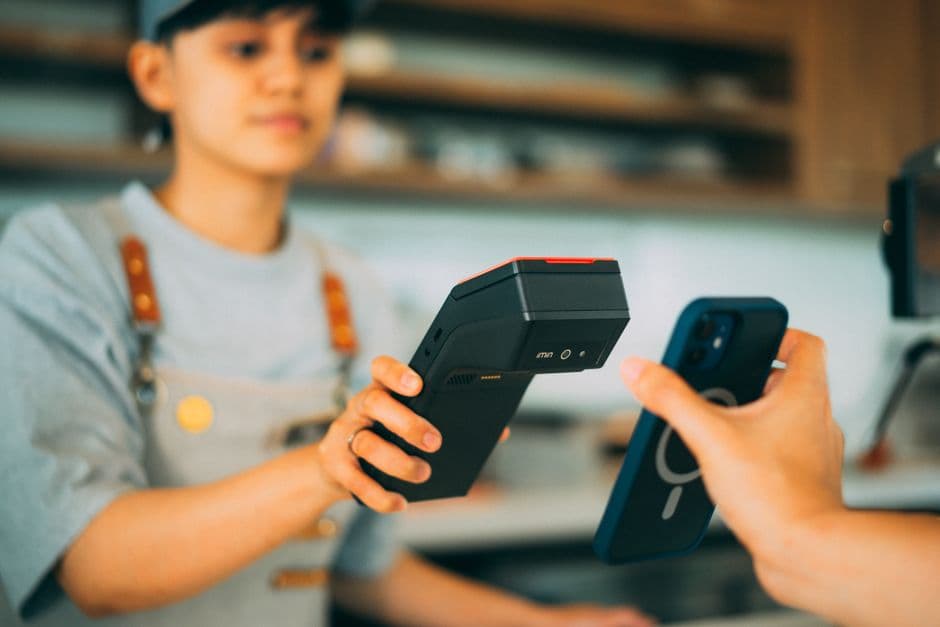
Cashier processes contactless payment in Singapore showing how to pay in Singapore using mobile wallets and cards
Using international credit and debit cards in Singapore
Visa and Mastercard are practical payment options for most international visitors. They are commonly accepted at hotels, shopping malls, larger restaurants, supermarkets and major tourist attractions.
American Express is also accepted by some businesses, but acceptance varies. Carry a Visa or Mastercard as a backup if your main card uses a different network.
Before travelling, check that:
- Your card is enabled for overseas transactions.
- You know your card's PIN, particularly if you plan to use ATMs.
- Your bank's foreign transaction and currency conversion fees are clear.
- Your bank has your current contact details so you can respond to security checks.
- You have another payment method in case your primary card is declined.
Contactless card payments
Contactless payments are widely available at businesses with compatible terminals. You can tap a supported physical card or mobile wallet instead of inserting your card or paying with cash.
For public transport, foreign-issued contactless Visa, Mastercard and American Express cards can be used on Singapore's MRT, LRT and public bus network through SimplyGo, subject to card eligibility.
There is an important difference for foreign visitors: a S$0.60 Foreign Bank Card Admin Fee per day applies when using a foreign-issued Visa or Mastercard for public transport. Your card issuer may also charge its own foreign transaction or currency conversion fees.
You do not need to register for a SimplyGo account before using an eligible contactless bank card. However, registering can help you view journey and fare information through the SimplyGo app.
If you prefer not to use a foreign bank card for every journey, consider a stored-value transport card or Singapore Tourist Pass. Compare the cost and convenience against the number of journeys you expect to make.
Check the SimplyGo contactless bank card guide for the latest accepted cards and fees.
Apple Pay and Google Pay in Singapore
Apple Pay and Google Pay can be used at participating contactless merchants in Singapore. They can also be used for public transport when the card and mobile wallet are compatible with SimplyGo.
You must first add an eligible debit or credit card to your mobile wallet. Whether you can add the card depends on your issuing bank and the country where the card was issued.
For transport payments, tap in and out using the same card or device. A physical card and the same card stored in a mobile wallet may be treated as separate payment methods, so do not switch between them during one journey.
Check your bank's wallet support before travelling. You can also refer to Apple Pay and Google Wallet for compatibility information.
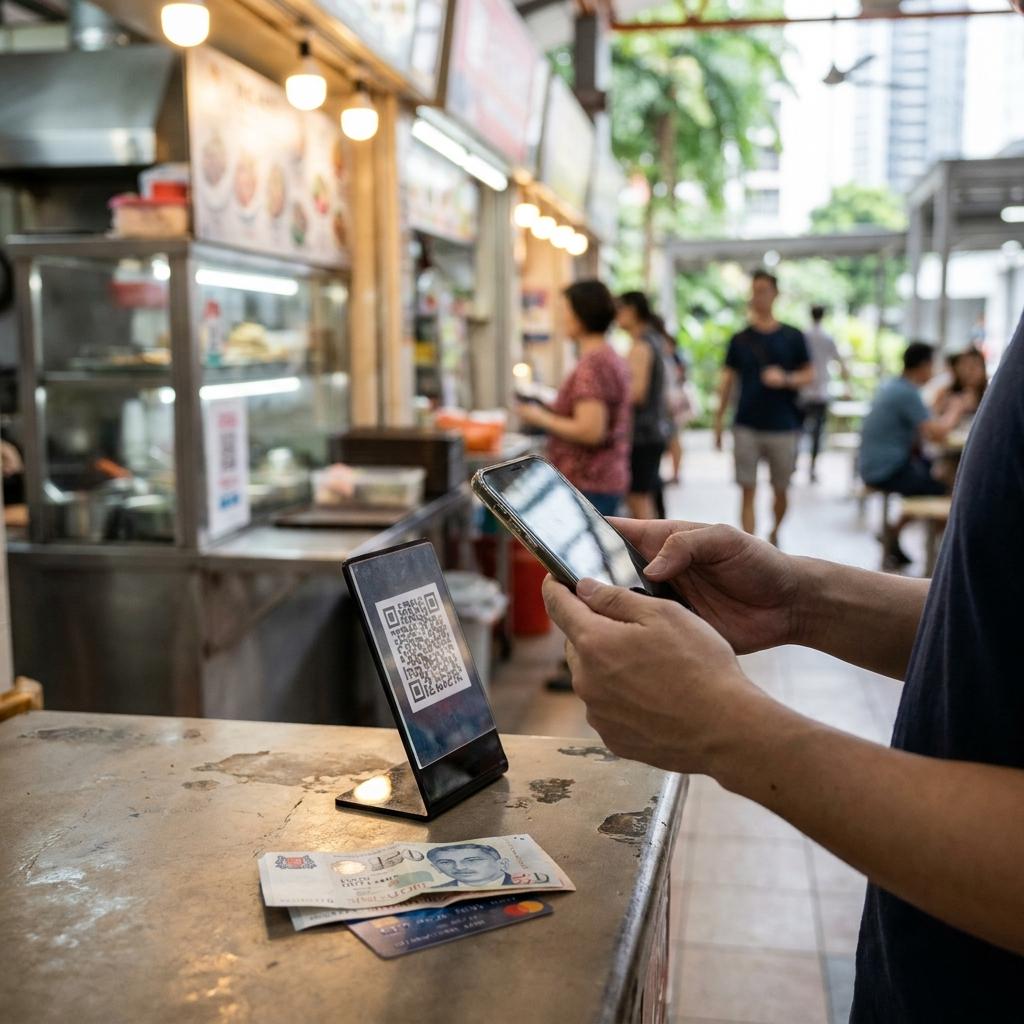
AI generated image illustrating how to pay in Singapore via QR payment at a merchant using SGQR
QR payments in Singapore: SGQR, PayNow and foreign apps
Singapore QR code payments are common, particularly at food outlets, hawker stalls and smaller retailers. However, visitors should understand the difference between SGQR and the payment apps that scan it.
What is SGQR?
SGQR is Singapore's standardised QR label for electronic payments. It brings multiple payment schemes together in one displayed code, so a merchant does not need to display a separate QR code for every supported payment method.
Look at the payment logos shown on the SGQR label before opening your app. The label does not mean that every banking app or e-wallet can scan and pay.
The usual process is:
- Check the payment schemes shown on the merchant's SGQR label.
- Open an app that supports one of those schemes.
- Scan the QR code.
- Check the merchant's name and enter the amount if required.
- Confirm the payment in your app.
Can tourists use their home country's QR payment app?
Some foreign payment apps work at participating Singapore merchants through cross-border payment arrangements. However, support depends on your home payment provider and the merchant's QR acceptance setup.
Examples include:
| Visitor's home payment system | Singapore payment network | What to check |
|---|---|---|
| Malaysia's DuitNow | NETS QR | Check whether your Malaysian bank or wallet supports cross-border QR payments |
| Indonesia's QRIS | NETS QR | Use a participating Indonesian banking or payment app |
| Thailand's participating banking apps | NETS QR | Check whether your bank supports payments to Singapore merchants |
These arrangements do not mean that every merchant displaying SGQR accepts every foreign app. Look for the relevant payment logo and confirm that your app supports the transaction before relying on QR payments.
Can tourists use PayNow?
PayNow is Singapore's instant payment service. It allows customers of participating banks and payment institutions to transfer Singapore dollars using identifiers such as a mobile number, NRIC/FIN or Virtual Payment Address.
For most short-stay visitors, PayNow is not a payment method to rely on. Access depends on having an eligible account with a participating Singapore financial institution and completing its registration requirements.
You may see PayNow logos on SGQR labels even if your overseas banking app cannot use them. Check the Association of Banks in Singapore's PayNow information for details.
Local e-wallets in Singapore
Singapore has several local digital payment services, including GrabPay and Singtel Dash. These can be useful for residents and eligible users, but visitors should not assume that they can access every feature.
GrabPay
GrabPay is integrated into the Grab app and can be used for supported Grab services and participating merchant payments. Account verification is required for access to its wallet features.
The available registration and funding options may depend on your account, location and verification status. If you are visiting Singapore for a short holiday, check the app's eligibility requirements before depending on GrabPay for in-store payments.
You can still use the Grab app to arrange eligible transport and delivery services with the payment methods available in your account.
Singtel Dash and other local wallets
Other local payment services may have registration, identity verification, phone number or funding requirements. These can make them less convenient for short-term visitors.
You generally do not need to open a local e-wallet account just to travel around Singapore. An international card, a compatible mobile wallet and some cash are usually a more practical combination.
ATM withdrawals and currency exchange in Singapore
ATMs are available across Singapore, including at the airport, shopping centres, transport hubs and commercial districts. Major local banks include DBS/POSB, OCBC and UOB.
Look for your card network's ATM logo, such as Visa/Plus or Mastercard/Cirrus, before making a withdrawal. Not every machine accepts every overseas card.
Withdrawing Singapore dollars using a foreign card
You can use an eligible overseas debit card to withdraw SGD from a compatible ATM. Before confirming the transaction, check the displayed withdrawal amount and any fee charged by the ATM operator.
Your own bank may also apply overseas withdrawal charges, foreign transaction fees or currency conversion costs. These charges vary by card issuer, account type and ATM.
If the ATM offers to convert the withdrawal into your home currency, compare the displayed rate carefully. Choosing to be charged in SGD usually avoids the ATM operator's dynamic currency conversion, although your own bank's exchange rate and fees will still apply.
Check your bank's overseas withdrawal limits and charges before travelling. Do not assume that all Singapore ATMs have the same fees or withdrawal limits.
Where to exchange money in Singapore
You can exchange foreign currency at licensed money changers across Singapore. Areas such as Chinatown, Little India and shopping districts have exchange outlets, but rates differ between businesses.
For a better comparison:
- Check the exchange rate at more than one outlet.
- Ask how many Singapore dollars you will receive after any applicable charges.
- Count your money before leaving the counter.
- Keep the receipt until you have checked the transaction.
- Avoid exchanging money with unlicensed individuals or informal providers.
The MAS Financial Institutions Directory allows you to search for licensed money changers in Singapore.
Airport exchange counters can be convenient when you need cash immediately after landing. For larger exchanges, compare rates with other licensed outlets before making a decision.
Which payment method should you use in different situations?
| Travel situation | Recommended payment method | Useful backup |
|---|---|---|
| Hawker centres and food stalls | Cash or a QR app supported by the merchant | Small SGD notes and coins |
| Hotels and shopping malls | Visa or Mastercard, or a compatible mobile wallet | A second card |
| Restaurants and cafés | International card or mobile wallet | Cash |
| MRT, LRT and buses | Eligible contactless card or mobile wallet through SimplyGo | Stored-value transport card or Singapore Tourist Pass |
| Taxis and ride-hailing | Check the accepted payment methods in the taxi or ride-hailing app | Cash or another card |
| Markets and independent shops | Cash or a QR app listed by the merchant | International card |
| Unexpected card or app problems | Backup card or cash | ATM withdrawal if necessary |
Hotels, shopping malls and restaurants
International cards and mobile wallets are generally convenient at larger hotels, shopping centres and restaurants. Check whether your hotel requires a card for a deposit or incidental expenses, and make sure you have enough available credit.
For smaller independent restaurants, check the accepted payment methods before ordering if you do not have cash.
Public transport
You can use eligible contactless bank cards and mobile wallets on Singapore's MRT, LRT and public buses through SimplyGo.
Tap the same card or device when entering and exiting. If you use a foreign-issued Visa or Mastercard, include the S$0.60 daily admin fee in your transport budget. Alternatively, compare the cost of a stored-value card or Singapore Tourist Pass.
Smaller shops and markets
Payment options vary at independent shops and markets. Some accept SGQR or cards, while others may only accept cash.
Check the payment signs before making a purchase and keep a little cash available.
Emergencies and payment outages
A declined card, phone battery issue or temporary payment system outage can happen even in a highly digital city. Keep a second card separate from your main wallet and store some emergency cash in another secure place.
If a card is declined, contact your bank through its official app or customer service channel.
Hawker centres and street food
Hawker centres are an essential part of Singapore's food culture, and payment options vary between stalls. Some accept cards or QR payments, while others may prefer cash.
Carry smaller SGD notes and coins so you can pay easily if a stall does not accept your preferred digital method.
Tips for paying safely and avoiding extra fees
A little preparation can help you avoid unnecessary charges and payment problems during your Singapore trip.
- Check foreign transaction fees: Ask your bank about overseas purchases, currency conversion and ATM withdrawals before travelling.
- Choose SGD when paying by card: If a terminal or ATM offers to charge you in your home currency, compare the exchange rate carefully. Dynamic currency conversion may be less favourable than your card network or bank's rate.
- Check transport admin fees: Foreign-issued Visa and Mastercard payments on public transport incur a S$0.60 fee per day of use.
- Carry a backup card: Keep another card, preferably from a different issuer or network, in case your main card is blocked or declined.
- Protect your PIN: Cover the keypad when entering your PIN and avoid sharing payment details with strangers.
- Check QR codes before paying: Use the QR code displayed by the merchant, verify the merchant name and amount, and do not approve unexpected payment requests.
- Keep your phone charged: If you rely on mobile wallets or banking apps, bring a power bank and maintain access to a physical payment method.
Plan your Singapore trip with AirAsia MOVE
Once your payment options are sorted, you can focus on planning your stay, transport and activities. Browse flights and accommodation on AirAsia MOVE to organise your Singapore trip in one place.